
The request and the stakes
Give the party a public objective and keep the true objective in your DM record. Add a giver, urgency and campaign context to frame the mission.
Every quest begins with a choice.
A request in a quiet village. A dangerous road. A choice that changes the mission. Shape a side quest or a larger adventure with stages, clues, branching routes and details you can adapt to your campaign.

Begin with a reason to act
Generate a useful starting structure, then make the adventure belong to your world.
Give the party a public objective and keep the true objective in your DM record. Add a giver, urgency and campaign context to frame the mission.
Use locations, stages, clues and complications to prepare what the party might encounter. Decide which ideas fit your setting before bringing them to the table.
Review the branching choices and possible outcomes. Reference checks help catch missing destinations; meaningful consequences still need your judgement.
Keep the DM quest, a reviewed player brief and the current saved status together. Duplicate a draft when you want to explore another direction.
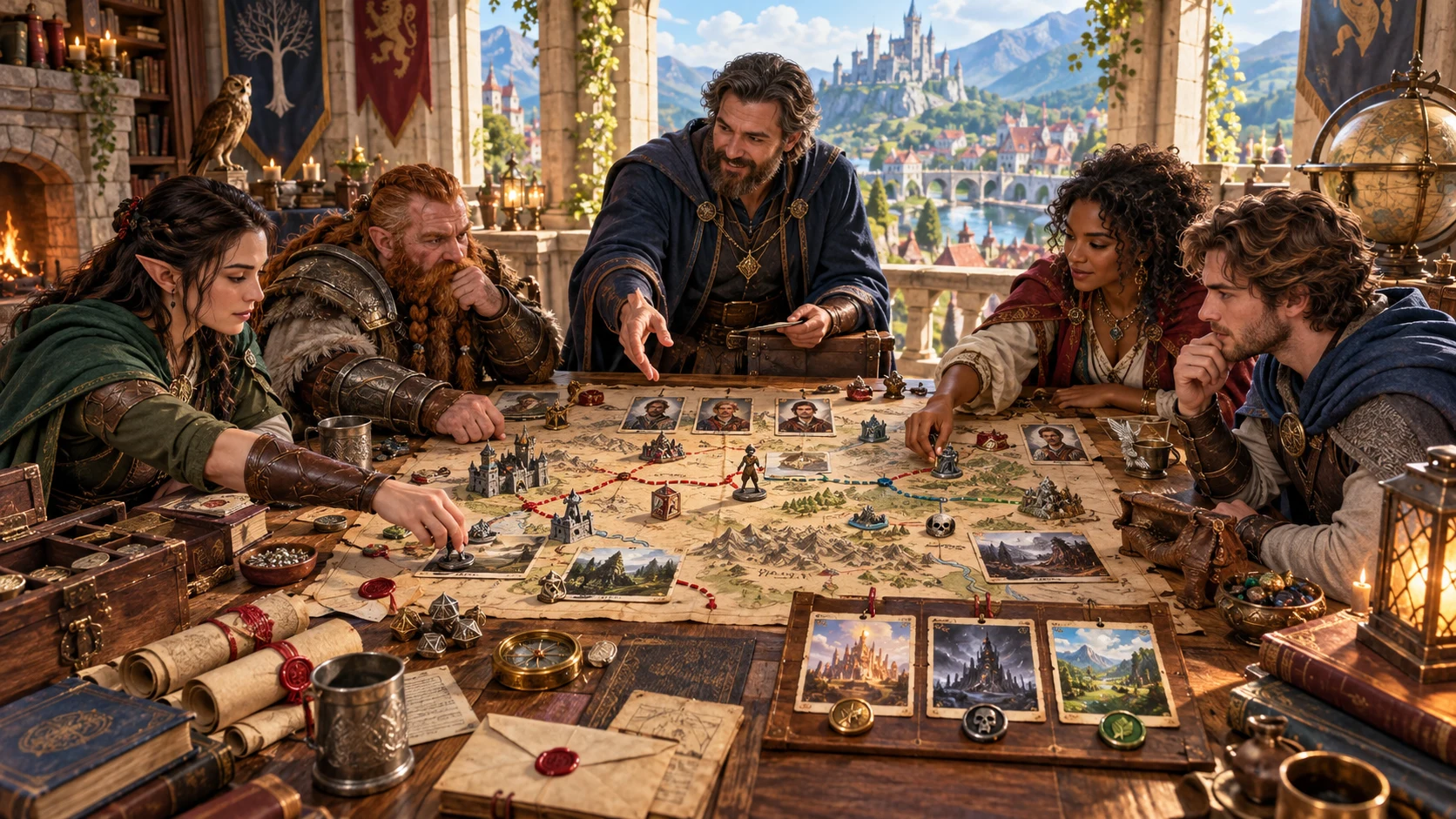
Clues and choices
A tabletop group arranges maps, clues and character portraits. The illustration suggests the preparation conversation: who wants help, what can be discovered and where a choice may lead.
Connect the authored prompts to your campaign. Establish what a clue means, which alternatives are plausible and how the world responds when the party takes a different route.
From a request to a reviewed quest
Open Quest Generator on Windows through Desktop Command Centre.
Set the quest scale, stage count, locations and mission type. Add context and a deadline, then choose the scene mix and other options in Deep.
Read the giver, objectives and stakes before following the stages. Quick hides advanced fields but keeps their retained values in the request.
Edit the stages, descriptions, complications and branch conditions. Keep the fiction consistent and check locations and destinations before saving.
Save the reviewed quest, copy an updated player brief and retain the full JSON. Configure any selected Combat PRO encounter separately before play.
Preparation with room for your judgement
Explore structured prompts without surrendering the decisions that make the adventure yours.
Build a micro quest with 2–3 stages, a side quest with 3–5, a standard quest with 5–7 or a major quest with 7–10. Choose a stage count within that range and the locations the party will visit.
Generate a giver, objectives, stakes, locations, stages, rewards and outcomes. Add your campaign context and adapt the authored ideas to the people, history and choices at your table.
Adjust combat, social and exploration intensity to influence the stage mix. Choose no combat for a quest without combat opportunities; basic clues can still appear when mystery is set to none.
Review stage objectives, descriptions, complications and branching conditions. Change destinations to match your intended routes, then save to check that stage and location references exist.
Keep other matching stages while replacing the chosen stage or its complication. Lock stages, clues or the true objective where useful, then review the regenerated quest context and player brief.
Copy a player brief for the known mission. Keep the full structured JSON for the complete DM record, and review the brief after editing because it does not rebuild automatically.
Save validated quests and move their status between draft, ready and used. Open, rename, duplicate or delete a saved quest; coordinate open windows before replacing the account library.
Send a selected combat stage to an available prepared slot when you have the required separate Combat PRO access. Review enemy names, battlefield notes and the encounter setup before play.
Control the scope and tone
Use the same workspace for different lengths and scene mixes.
Micro uses 2–3 stages; side uses 3–5. Prepare a compact errand, discovery or problem and adapt the generic objectives to that specific mission.
Standard uses 5–7 stages; major uses 7–10. Choose the stage count within the range and review how each scene contributes to the whole.
Quick hides advanced controls. Deep exposes the same retained values for closer review; switching modes does not reset those choices.
Intensity changes the weighting of stage types. No combat removes combat opportunities. Non-combat solution prompts provide ideas for you to turn into workable alternatives.
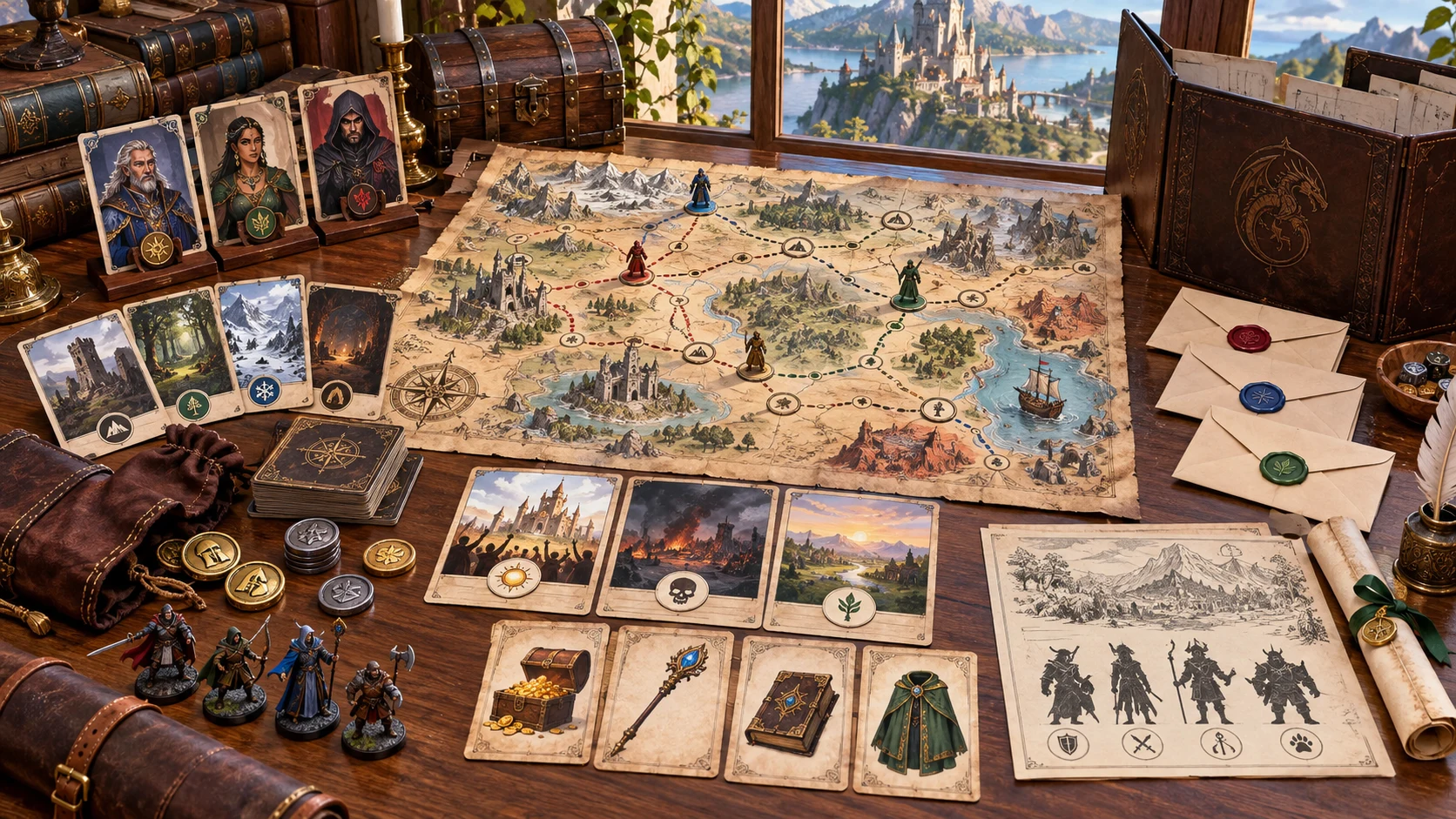
A quest folio
Routes, portraits and sealed briefings suggest a prepared quest folio. The product generates quest text, not this artwork or a finished map.
Full JSON contains the complete structured record. DM text copy omits fields including locations, giver, rewards and follow-up hooks. Keep JSON for all fields.
Revise deliberately
Locks and rerolls help retain selected details; review the full result after every change.
Targeted rerolls preserve other matching stages. Locations, headers, rewards, outcomes and the player brief can still regenerate. Keep stage and location counts stable when retaining earlier stages.
An objective lock keeps the true objective. The player objective and brief can change independently. Locked clues do not guarantee that a new description supports their meaning.
Generation uses the seed, a generation counter and the reroll target. The same visible seed alone does not reproduce an exact draft. Keep full JSON for an exact backup.
Editing a quest does not rebuild the player brief automatically. Check the copied brief against the revised objectives and stages. Do not share the DM workspace print or full JSON with players.
Useful checks, deliberate preparation
The current tool checks structure rather than the meaning of every scene.
Saving checks stage and location references, unique stage identifiers and required objectives. It does not prove full route reachability, detect every cycle or assess story logic.
Review clues, branch consequences, secrets and challenge balance yourself. The privacy check is limited; it is not complete spoiler detection across edited material.
Reward packages are narrative prompts, not calculated currency or item statistics. A deadline is text guidance rather than a running campaign clock. Party level is encounter guidance, not computed creature balance.
Combat PRO receives enemy names and references rather than full creature statistics. Separate access and an available prepared slot are required. The handoff does not start live combat or export the whole quest.
Choose access for your toolkit
Create a free account, then review the paid selection that fits your preparation.
Select Quest Generator individually. A free account does not by itself include paid generator access.
Choose five eligible standalone generators. The selection pack does not include every VISINVOKE product.
Review current pack options and selection terms before changing your subscription. Choose tools for the tasks you actually use.
An optional handoff does not include Combat PRO ownership or change your subscription. Review that product’s access separately when you need it.

Use draft, ready and used status to organise saved missions. Rename or duplicate records when a different version deserves a separate place.
A saved record retains up to 10 prior snapshots. The current interface has no control to restore those earlier versions. Retain full JSON for a version you want to keep independently.
Saving replaces the account quest library. There is no offline saving fallback or automatic merge between open windows, so avoid competing edits and wait for a confirmed save.
Copy, download and print do not run validation first. Print is a DM preparation view containing secrets, not a player-redacted print view. Close editing controls and check the material before printing.
Generating again with the same seed uses the same saved identity. Duplicate a quest to keep a separate saved identity. Opening a saved quest restores its result and seed, so review the other controls before generating again.
Continue your tabletop preparation
Each card opens its own public website. Review purpose and access separately; links do not promise included access or automatic synchronisation.

Discover and open your supported Windows products through one connected VISINVOKE account.

Explore environment packs for the workplaces, roads and expedition locations your campaign visits.
Prepare a selected quest combat stage, then review the encounter in this separate product with its own required access.
Create fantasy character, creature, item and location imagery for your tabletop preparation.

Create guided commercial visuals for websites, brochures and other creative projects.

Explore a separate futuristic RPG world with its own characters, rules and progression.
Product artwork illustrates quest preparation, not application screens or actual generated image output.
Quick answers
Understand what changes, what is checked and what needs a DM review.
Quick hides the advanced controls while using the same form values as Deep. The current retained values still affect generation. Micro quests have 2–3 stages, side quests 3–5, standard quests 5–7 and major quests 7–10. Select a stage count within the chosen range. Quest type supplies mission framing; review the generated objectives and scenes for the particular task you want.
The seed works with a generation counter and the selected reroll target. The same visible seed alone does not reproduce an exact draft. Keep full JSON for an exact backup. Quests generated with the same seed share a saved identity, so saving can update the existing record. Duplicate a quest when you want a separate saved identity. Fresh quest clears its seed, result and locks while keeping the other form choices.
A selected-stage reroll preserves other matching stages, rather than every part of the quest. Locations, headers, rewards, outcomes and the player brief can regenerate. Keep stage and location counts stable to avoid breaking preserved references. An objective lock keeps the true objective, not necessarily the player objective or brief. A clue lock keeps the clue fields; review whether the new surrounding description still supports them.
Review the player brief against your current edits before copying it. Editing a quest does not rebuild the player brief automatically, and saving does not provide complete spoiler detection. The full JSON and DM workspace print contain secrets. Print is a DM preparation view, not a player-redacted print view. Copy, download and print do not run validation first, so check the material and its audience yourself.
Save validates the current quest and replaces the account quest library. There is no offline saving fallback or automatic merge between open windows. A record retains up to 10 prior snapshots, but the current interface has no control to restore those earlier versions. Keep your own JSON backup. Opening a saved quest restores its result and seed, not all form choices and locks; review the controls before generating again.
Choose one stage with a combat opportunity. The handoff sends enemy names and references, battlefield ideas, hazards, an objective and notes to a prepared encounter; it does not provide full creature statistics or start live combat. Separate Combat PRO access and an available prepared slot are required. Repeating a handoff with the same quest and stage identity acknowledges the original import; it does not update that imported encounter after edits. Review and configure it in Combat PRO.
Continue in VISINVOKE
Create a free VISINVOKE account and choose the required standalone generator access.
Get Desktop Command Centre from your account installer page. Sign in on Windows, then open Quest Generator.